
AI Video and Captioning Automation: Short-Form Video Without a Separate Editing Tool
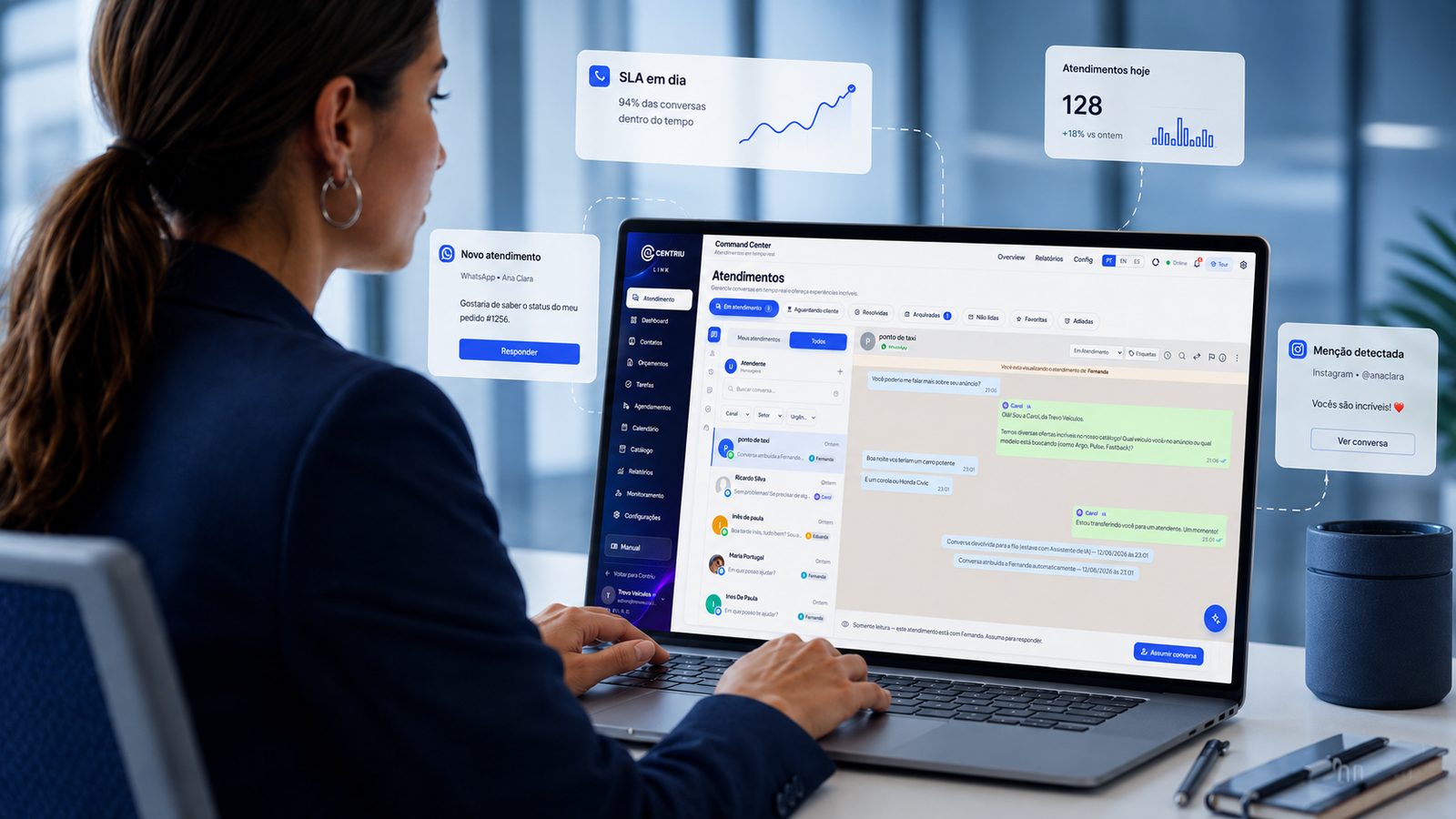
Why video specifically tends to break a content workflow in two
Video is often the point where a content workflow splits into two disconnected tools: one for images and static posts, a completely different one for editing video. That split means a single campaign needing both an image and a short video has to be assembled across two separate pieces of software, with no shared calendar or review process connecting them. Centriu Atlas’s native video editor exists specifically to keep video in the same platform as everything else — the calendar, the Card Editor, internal review.
How the underlying problem shows up before you fix it
- A campaign needing both a static post and a short video requires switching between two completely different tools.
- Captioning a video means exporting it to a separate captioning tool, then re-importing the result.
- The editorial calendar has no visibility into video production status, only static asset status.
- Learning a second, unrelated piece of software just for video editing slows the team down.
- Video content ends up produced less often than image content, simply because the tooling friction is higher.
How Centriu Atlas keeps video in the same platform
Atlas’s native video editor handles short-form video production and captioning inside the same platform as the Card Editor and the live editorial calendar — no export-and-reimport step to a separate tool. This means a campaign needing both a static image and a short video can be produced without switching software, and the calendar reflects video production status the same way it reflects image status.
The specific underlying technique for automatic captioning is not detailed here, because that level of technical specificity is not confirmed by this pillar’s authorized sources (the public factsheet and approved product copy confirm a native video editor, not a named algorithm) — the confirmed fact is the capability itself, kept in one platform.
What is actually built today
- A native video editor for short-form content, inside the same platform as image generation and the calendar.
- Captioning capability as part of that native video editor.
- One connected workflow — no separate export-and-reimport step for video specifically.
A content team producing a mixed image-and-video campaign (illustrative scenario, not a real client)
For a product launch, the team needs both a static announcement post and a short video teaser. The static post is generated through the Card Editor, and the video teaser is assembled using the native video editor — both inside the same platform, without switching to a separate video tool.
Captions for the short video are added using the built-in captioning capability, rather than exporting the clip to a dedicated captioning service and re-importing the result.
Both pieces show up on the same live editorial calendar, reflecting their actual production status, so the team has one place to check whether the campaign — image and video together — is ready.
What changes operationally
The structural change is video production and captioning handled inside the same platform as everything else, instead of requiring a separate tool and an export-reimport step. What that is worth in production speed depends on a team’s prior video tooling and volume — Centriu does not attach a specific savings figure that would generalize.
When this is not the right fit
A team with heavy, long-form professional video production needs is not the audience for this capability — the native editor is built for short-form content, not a full professional video production pipeline.
A separate video tool vs. one connected platform
When video requires a completely separate tool from image content, a mixed campaign means switching software and manually keeping the calendar in sync with two different production processes. Centriu Atlas’s native video editor keeps video, captioning, image generation and the calendar in one platform, so a mixed campaign does not require juggling two disconnected workflows.
Related systems
Main system: Centriu Atlas.
What it does NOT do
- Does not replace a dedicated professional video production pipeline for long-form or heavily produced video.
- Is not unlimited AI production — video counts against the same usage ceiling the account runs on, and a video weighs far more than an image.
- Does not publish a video without internal review and approval first.
Security and governance
Each agency account using Centriu Atlas only sees its own clients, calendars and video assets — nothing is shared across accounts. Personal and brand data handled in production follows Brazil’s LGPD (Law No. 13,709/2018). Full detail on access control and audit trails lives at /governanca and /iso.
Pricing and contracting
Available by monthly subscription, with tiered plans. Investment and terms are defined with the team, based on the scope of the operation — talk to Centriu. No number is hard-coded on this page.
Frequently asked questions
Is video editing a separate tool from the rest of Atlas?
No — the native video editor is built into the same platform as the Card Editor and the live editorial calendar.
How does captioning work?
It is a built-in capability of the native video editor — the specific underlying technique is not detailed here since it is not confirmed by this pillar’s authorized sources beyond "native video editor."
Does video content count against the same AI usage ceiling?
Yes — video counts against the account’s shared usage ceiling and weighs far more than an image (the ceiling is described on the marketing content automation at scale page).
Can this replace a professional video production pipeline?
No — it is built for short-form content, not heavily produced, long-form professional video.
What does Centriu Atlas cost?
It is sold by subscription starting at a published entry price — exact current values are on the central pricing page.
See how Centriu Atlas handles video and captioning
Reach our commercial team directly, or leave your details below — we'll follow up with guidance for your case.