
Marketing Reporting Automation: Real Connectors, Periodic Updates, No Invented Real-Time Claim
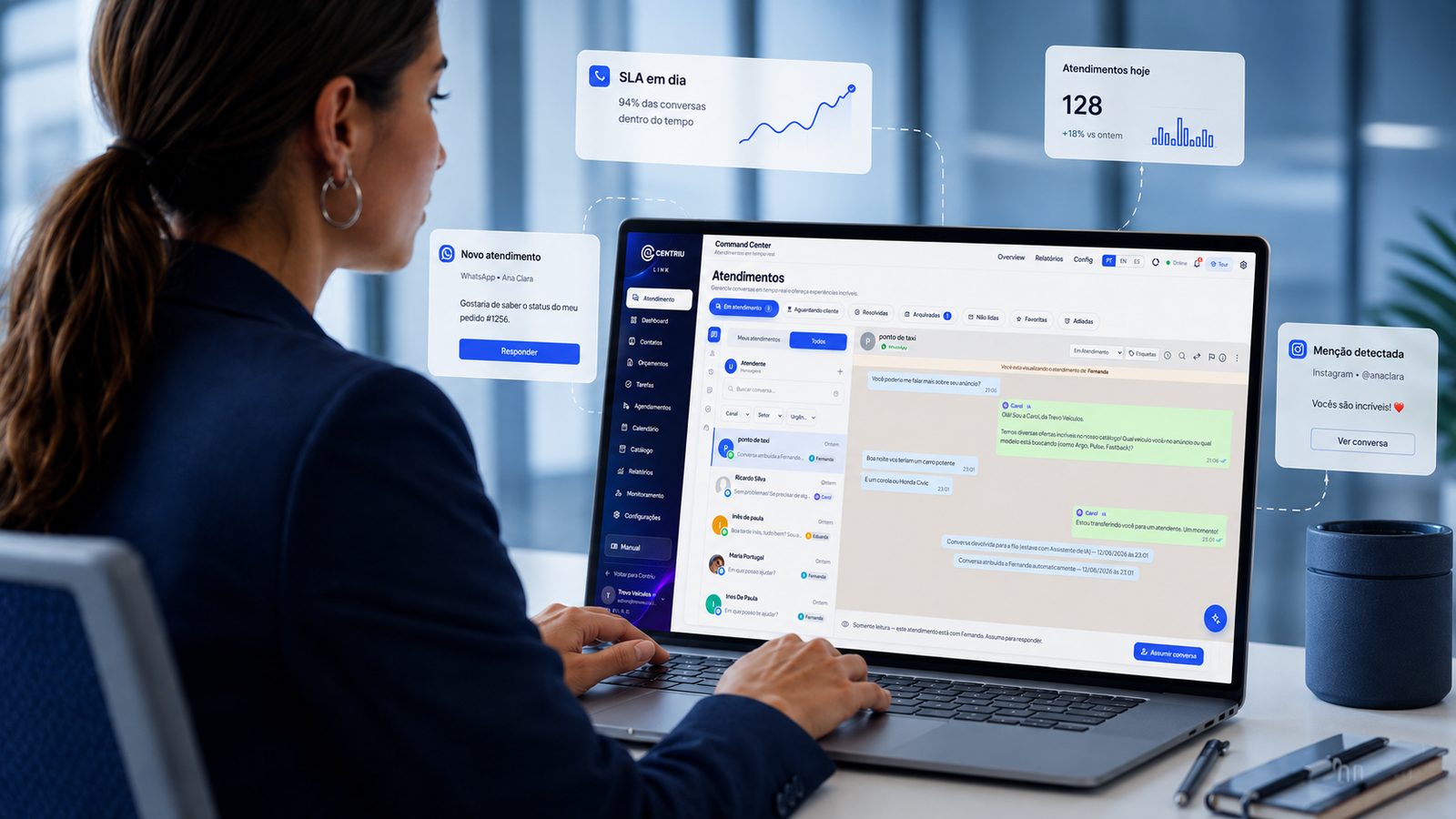
What real automated reporting looks like, without oversold claims
Marketing reporting automation is easy to oversell — "real-time," "drag-and-drop," "syncs itself" are common claims that do not survive contact with how these integrations actually work. Centriu Dash’s own approved product copy went through exactly that correction: earlier claims of real-time sync and drag-and-drop dashboard building were removed because they did not match the deployed product. What is actually built is still substantial — real, client-authorized connectors into the major ad and analytics platforms, assembled into dashboards through a template-based, form-driven builder, refreshed periodically rather than continuously.
How the underlying reporting problem shows up before you fix it
A weekly client report means manually exporting numbers from four or five separate platforms and pasting them into one document.
Different stakeholders ask for the same metrics in slightly different formats, multiplying the manual reporting workload.
A connector loses access when a client rotates credentials, and nobody notices until the next report comes back with gaps.
A client wants to check performance between scheduled reports and has no self-serve way to do it.
Reading what the numbers actually mean takes longer than pulling the numbers themselves.
Why this keeps happening without the right connectors
Each ad or analytics platform has its own reporting interface, export format and login, and without something that actually authenticates into each one (with the client’s own credentials) and normalizes the data into one view, a team is stuck manually reconciling numbers from platforms that were never designed to talk to each other.
How Centriu Dash automates the connection and the reading, honestly
Dash connects to Google Ads, Meta Ads (advertising data specifically, not organic), GA4, Search Console, and e-commerce platforms including Shopify, WooCommerce and Nuvemshop — always through the client’s own authorized account, and the connector fails closed (stops, rather than guesses) if those credentials are not available. Manual import via CSV/TSV or Google Sheets covers additional sources beyond the live connectors.
Dashboards are built from templates through a form-based builder — kpi, line, bar, donut and table widgets — not a free-form drag-and-drop canvas. Updates happen periodically, on a manual or scheduled refresh, not continuously in real time. An AI layer offers cautious, assisted reading of the numbers — it suggests; the decision on what the numbers mean stays with the person reading the report. A client portal and PDF export make the finished dashboard shareable beyond the internal team.
What is actually built today
Real, client-authorized connectors: Google Ads, Meta Ads (ads only), GA4, Search Console, Shopify, WooCommerce, Nuvemshop.
Manual import via CSV/TSV and Google Sheets for additional sources.
Template-based, form-driven dashboard builder (kpi, line, bar, donut, table widgets) — not drag-and-drop.
Periodic updates — manual or scheduled — not continuous real-time sync.
A client portal for sharing the finished dashboard, plus PDF export.
AI-assisted, cautious reading of the numbers — it suggests; the decision stays with the person.
An agency reporting on paid media and site traffic for one client (illustrative scenario, not a real client)
The account manager connects the client’s own Google Ads and GA4 accounts to Dash, authorizing access directly rather than sharing credentials informally, and builds the client’s dashboard from a template — selecting the kpi and line-chart widgets relevant to this specific account rather than starting from a blank canvas.
The dashboard refreshes on a weekly schedule the account manager set, not continuously — which is disclosed clearly rather than implied to be live. When the client asks a follow-up question mid-week, they check the client portal directly instead of waiting for the next scheduled report.
When the client rotates their Google Ads password later that quarter, the connector fails closed rather than silently showing stale numbers as if they were current — the account manager is alerted and reconnects with the new credentials.
What changes operationally
The structural change is real, authorized connectors replacing manual export-and-paste reporting, assembled into dashboards through a repeatable template process, with a client portal removing some of the ad-hoc "can you check this for me" requests between scheduled reports. What that is worth in hours saved per report depends on how manual the prior process was — Centriu does not attach a specific savings figure that would generalize.
When this is not the right fit
A team running one small, simple campaign on a single platform may not need a dedicated multi-connector dashboard system — that platform’s own native reporting could already be enough at that scale.
Manual export-and-paste vs. connected, template-built dashboards
Manually pulling numbers from four or five platforms every reporting cycle does not scale past a handful of clients, and it is only as accurate as whoever remembered to export the latest figures correctly. Centriu Dash’s approach — real, authorized connectors, refreshed on a defined schedule, assembled through a repeatable template — trades a false promise of "always live" for something more honest and still substantially faster than manual reporting: a known refresh cadence the team and the client can both rely on.
Related systems
Main system: Centriu Dash.
What it does NOT do
- Does not update in real time — refreshes are periodic, manual or scheduled, not continuous.
- Is not drag-and-drop — dashboards are assembled through a form-based builder from templates.
- Does not connect without the client’s own authorized credentials — connectors fail closed rather than guessing.
- Does not offer a fully custom domain today — logo and brand colors can be applied; a custom domain is not yet available.
- Does not interpret the numbers on the team’s behalf with full-blown live LLM analysis — AI reading is cautious and assistive, and the decision stays with the person.
Security and governance
Each account using Centriu Dash only sees its own connected sources and dashboards — nothing is shared across accounts. Data pulled from connected platforms is only ever accessed through the client’s own authorized credentials, and connectors fail closed without them. Personal data handled in reporting follows Brazil’s LGPD (Law No. 13,709/2018). Full detail on access control and audit trails lives at /governanca and /iso.
Pricing and contracting
Available by monthly subscription, with tiered plans. Values and terms come from the official pricing table at /precos (Centriu's central source — never restated here).
Frequently asked questions
Does Dash update in real time?
No — updates are periodic, either manual or on a defined schedule. An earlier version of the product page claimed real-time sync; that claim was removed because it did not match how the product actually works.
Is the dashboard builder drag-and-drop?
No — it is a form-based builder using templates and defined widget types (kpi, line, bar, donut, table), not a free-form drag-and-drop canvas.
What happens if a client changes their ad platform password?
The connector fails closed — it stops pulling data rather than continuing to show stale numbers as if they were current, until it is reconnected with valid credentials.
Which platforms actually connect live?
Google Ads, Meta Ads (advertising data only, not organic), GA4, Search Console, Shopify, WooCommerce and Nuvemshop — plus manual CSV/TSV or Google Sheets import for other sources.
Does the AI in Dash interpret the numbers for me?
It offers cautious, assisted reading and suggestions — it does not replace the person’s own judgment on what the numbers mean.
What does Centriu Dash cost?
It is sold by subscription starting at a published entry price, with tiered plans — exact current values are on the central pricing page.
See how Centriu Dash automates marketing reporting
Reach our commercial team directly, or leave your details below — we'll follow up with guidance for your case.